

A More Personalized Experience With Logitech Signature M650 Wireless Mouse
Logitech
FB : Logitech
*****
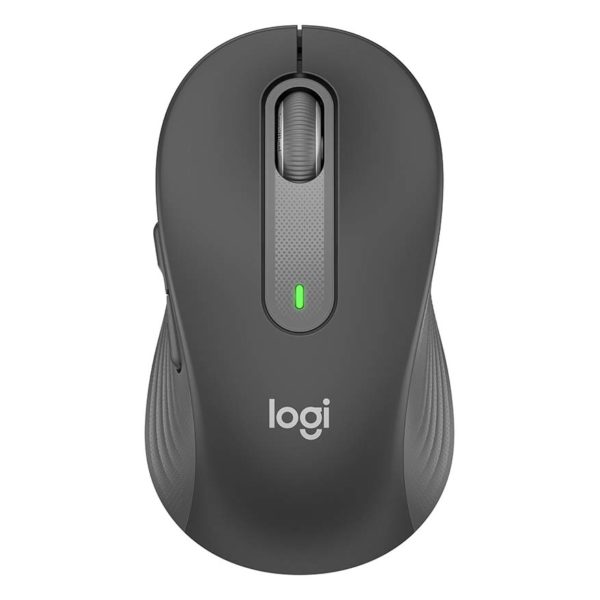
I’ve always wanted to have a better mouse for my work station and I finally found one, the Logitech Signature M650 wireless mouse 🙂 Comes with two different sizes and a left-handed option, it is a comfortable and personalized mouse that offers a better experience for more people, including me!!
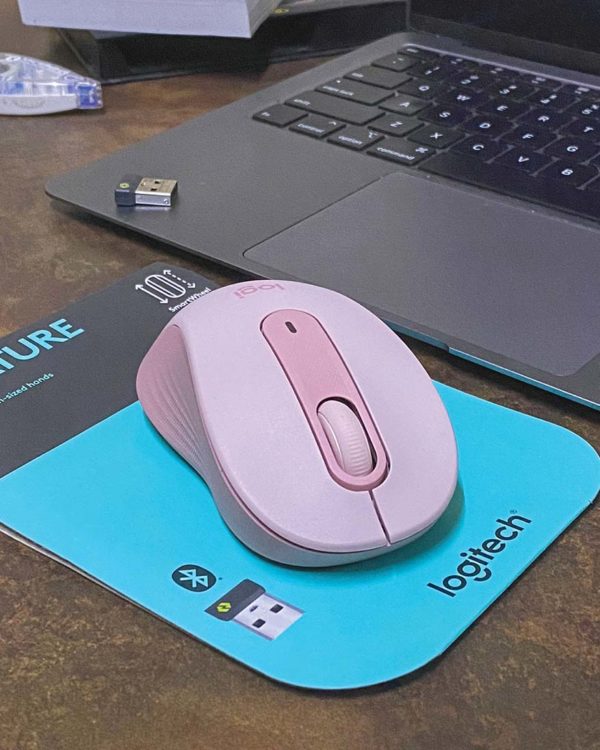
This wireless mouse is designed to upgrade any desk setup and improve the overall work experience with features like SmartWheel scrolling, nearly silent clicks and a contoured comfort design that enables faster, more comfortable work than ever before.
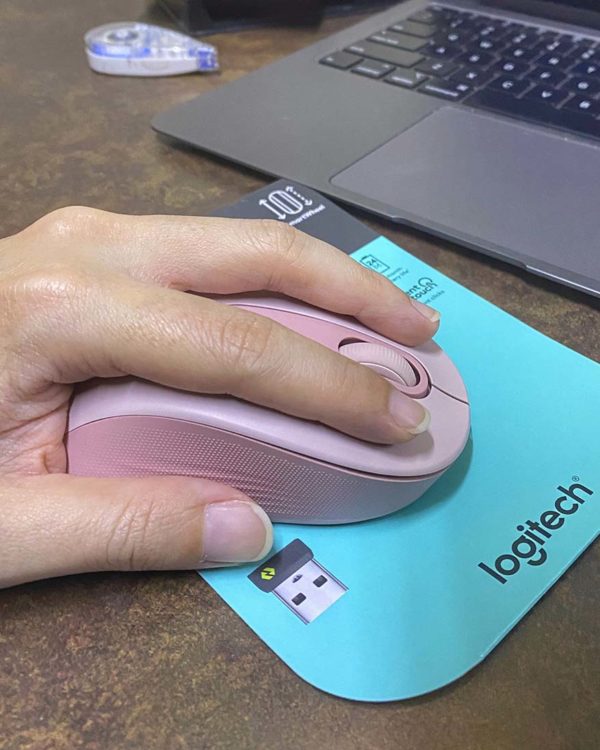
Some of the key features of this Logitech Signature M650 are :
● Scroll Smarter : Get line-by-line precision and super fast scrolling with a flick of the SmartWheel.
● Upgrade Your Comfort : Work long hours in comfort with a contoured shape, soft thumb area, and rubber side grips.
● Connect the Way You Like : Connect in an instant via Bluetooth or Logi Bolt USB receiver (and +Easy-Switch for M750).
● Less Noise, More Focus : Enjoy 90% less click noise with SilentTouch technology.
● Customizable Buttons : Customize the side buttons with Logitech Options Plus for favorite shortcuts.
● 24-Month Battery Life : Work for up to two years on the single AA battery that comes with the mouse.
● Compatible with Multiple Platforms : Seamless compatibility with Windows, macOS, Linux, Chrome OS, ipadOS and Android operating systems.

As an active blogger influencer, whether it is working on photo editing or browsing through websites, the Signature M650’s SmartWheel helps to deliver precision when needed and speed in an instant. I also like the SilentTouch technology of this Signature M650, which can reduce click noise by 90% compared to the Logitech M185 Mouse, ideal when clicking during a video call with clients. Enjoy a strong wireless connection and a battery that lasts up to two years, giving you complete peace of mind.

I spend quite long hours doing my work on the computer. With two sizes and a left-handed option, a contoured shape, a soft thumb area and rubber side grip, the Signature M650 inclusive design allows me to work comfortably for extended hours and gives me the ability to customize the side buttons to favorite shortcuts with Logitech Options+.
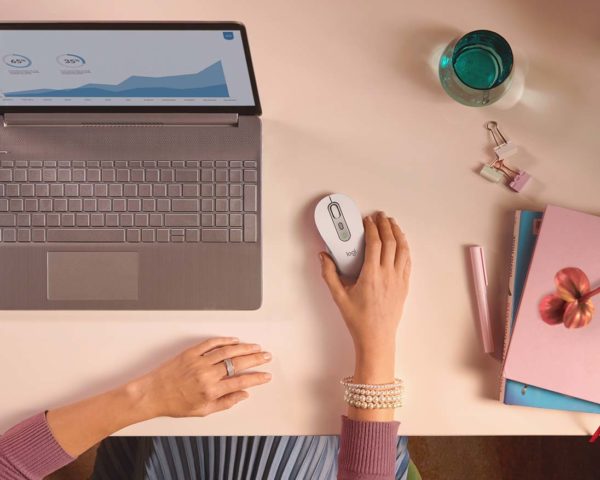
I love my rose pink colour Signature M650. It is also available in off-white and graphite, works with Windows, macOS, Linux, Chrome OS, ipadOS and Android operating systems. Connect in an instant via Bluetooth(R Low Energy or Logi Bolt USB receiver.
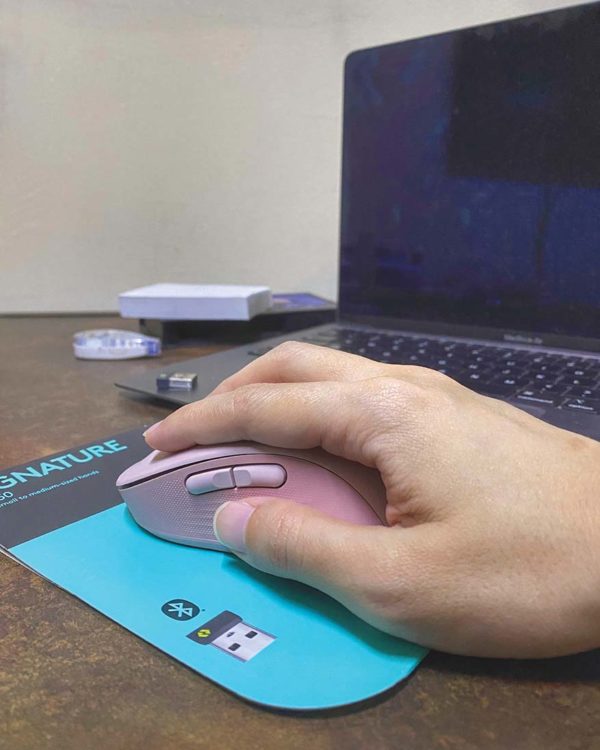
Sustainable design considers environmental and social impacts from the moment raw materials are sourced right through to end-of-life. At Logitech, products are designed to deliver great user experiences and minimize environmental footprint, which is why a portion of the Signature M650’s plastic parts are made from post-consumer recycled (PCR) plastic – 64% for the graphite, 26% for off white and 26% for rose.
Logitech’s PCR program illustrates the brand’s commitment to designing for sustainability and ensures that plastics in end-of-life consumer electronics are given a second life. Current initiatives for scaling this commitment mean that approximately half of the mice and keyboards in Logitech’s largest portfolio include some level of PCR plastic and that new product introductions will use PCR plastic, wherever possible.

Suggested retail price at RM159 per unit, you can get the Signature M650 and larger-sized Signature M650 L at Logitech’s authorized retailers and e-tail platform now.
Related Post : #GoBoundless with TECNO PHANTOM X & Brand Ambassador Datuk Wira Dr Lee Chong Wei